Security is not a single feature that can be added after a social platform is finished. Account access, email verification, password recovery, permissions, media handling and administration all affect the trustworthiness of the product.
Account access and verification
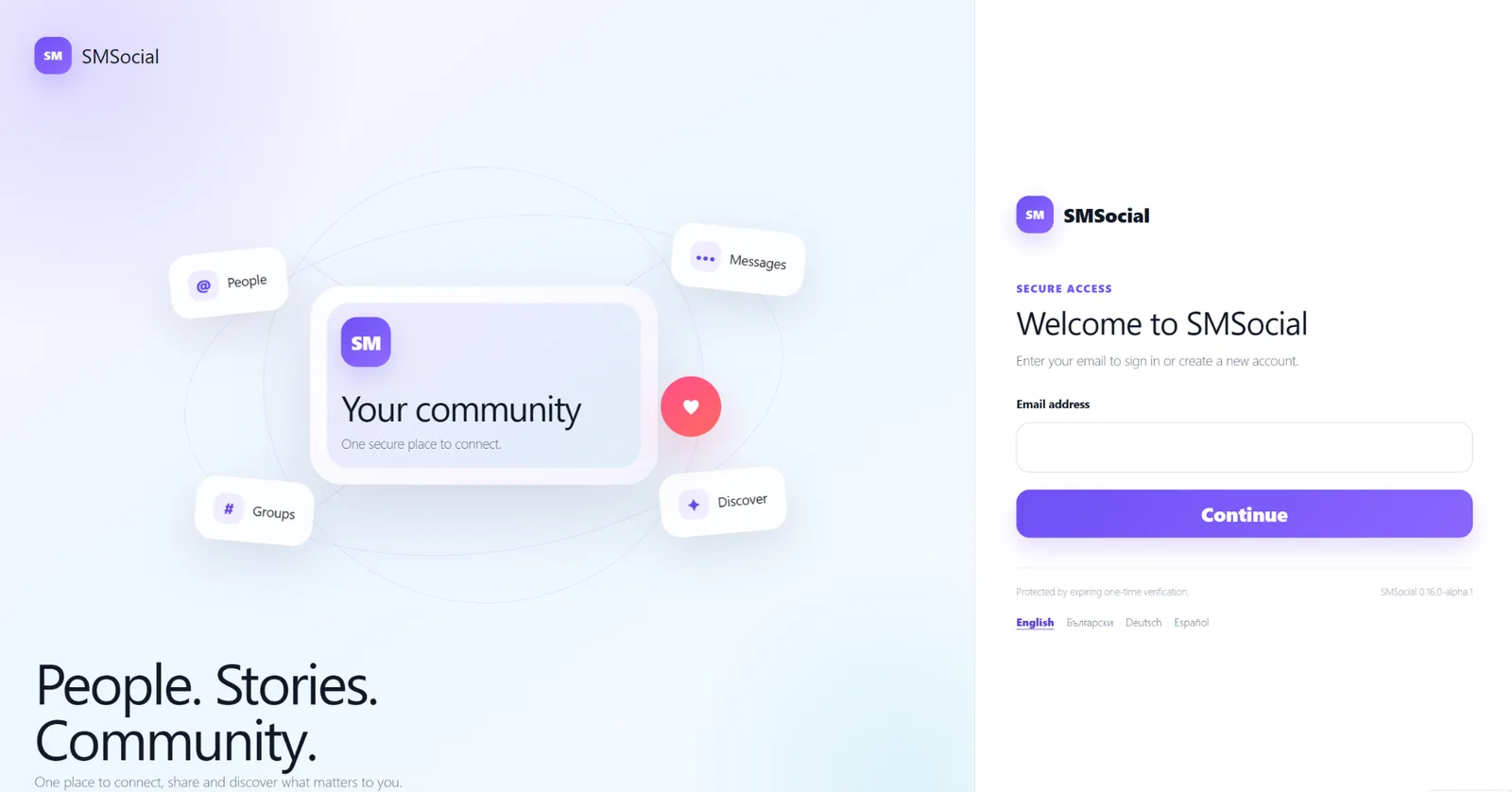
SMSocial uses its own front-end access experience for registration and account flows. Transactional email can be configured through a supported provider path, with readiness checks helping administrators verify delivery before opening registration.
Password recovery stays inside the product
Password recovery is designed to keep members in the SMSocial experience instead of sending them through the standard WordPress login screen. Recovery links are one-time and time-limited, and password requirements are enforced by the application.
Permissions and moderation
Social features are useful only when actions are checked against the user who is performing them. SMSocial development therefore treats authentication, capabilities, request validation, sanitisation and output escaping as standard implementation requirements rather than optional hardening.
Operational visibility matters
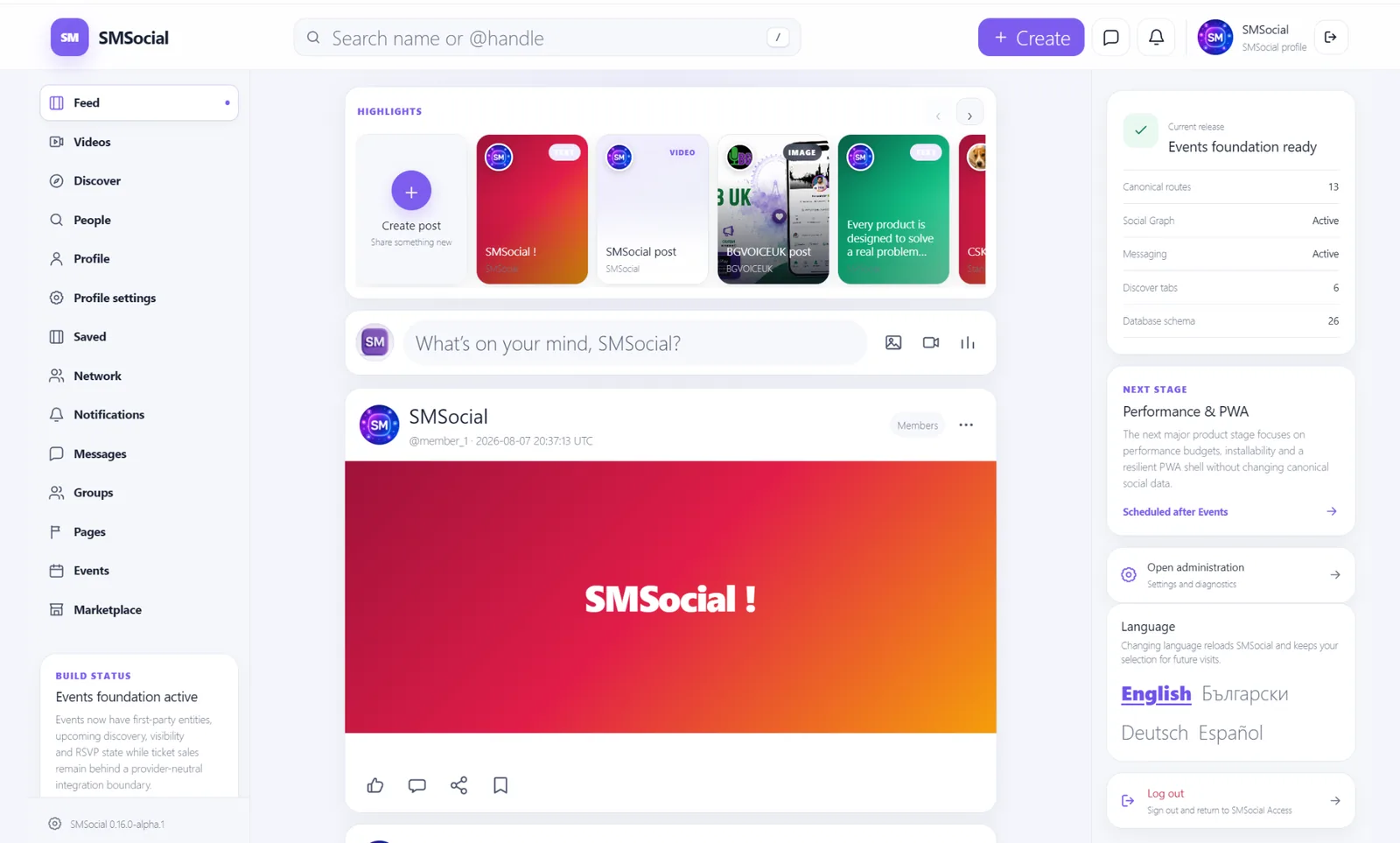
The administration area includes diagnostics intended to make failures observable without exposing sensitive values. A product owner should be able to distinguish an application error from an email, server or media-processing problem before changing working components.
No software is made secure by a marketing sentence. The practical approach is continuous review, defensive defaults, regression testing and clear diagnostics across every release.